


Your agentic note‑taking partner.

Capture notes, record meetings, and track projects. Private and secure.

Download Amaldi
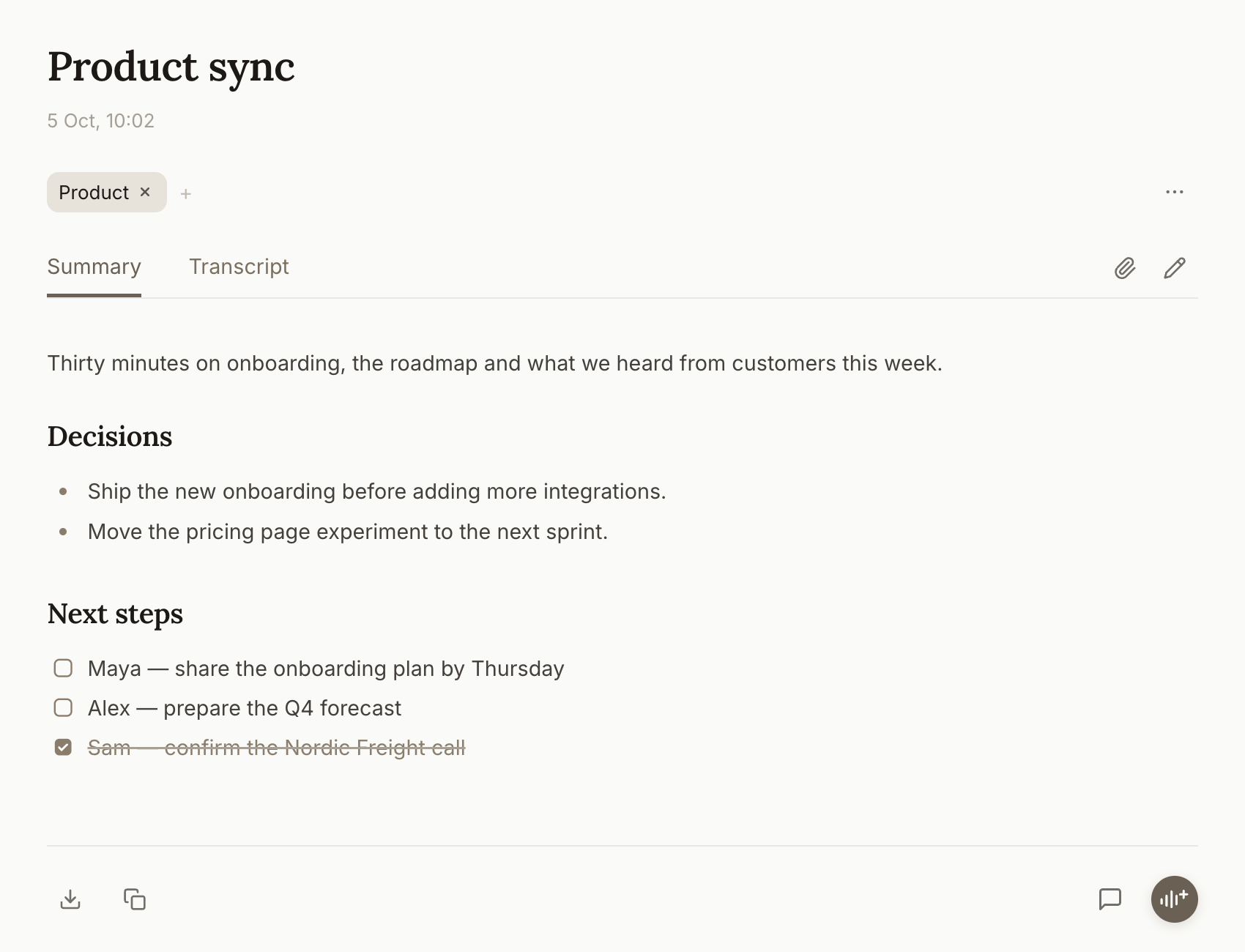
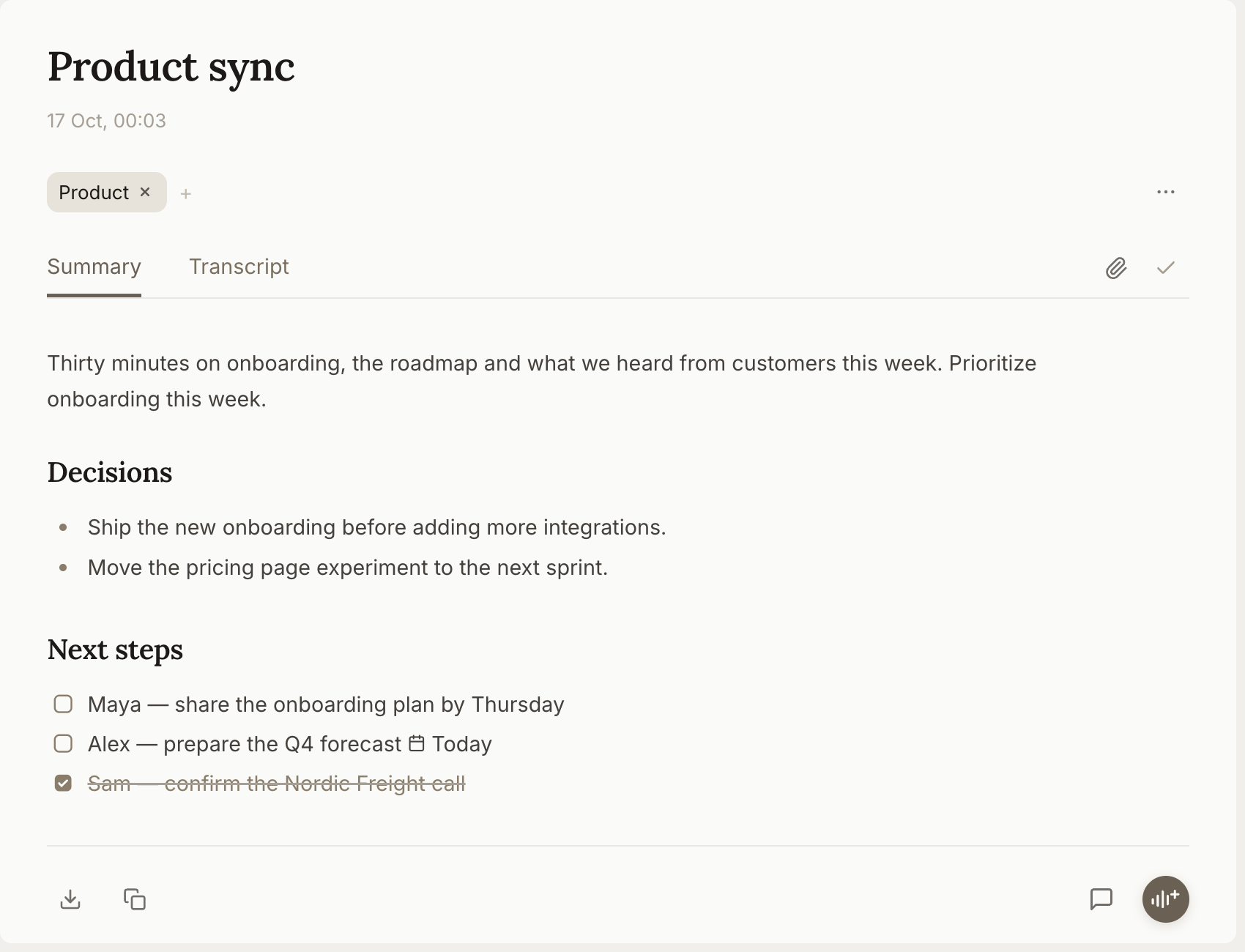
A meeting note in Amaldi called Product sync, with a short summary, two decisions and a checklist of next steps with owners.
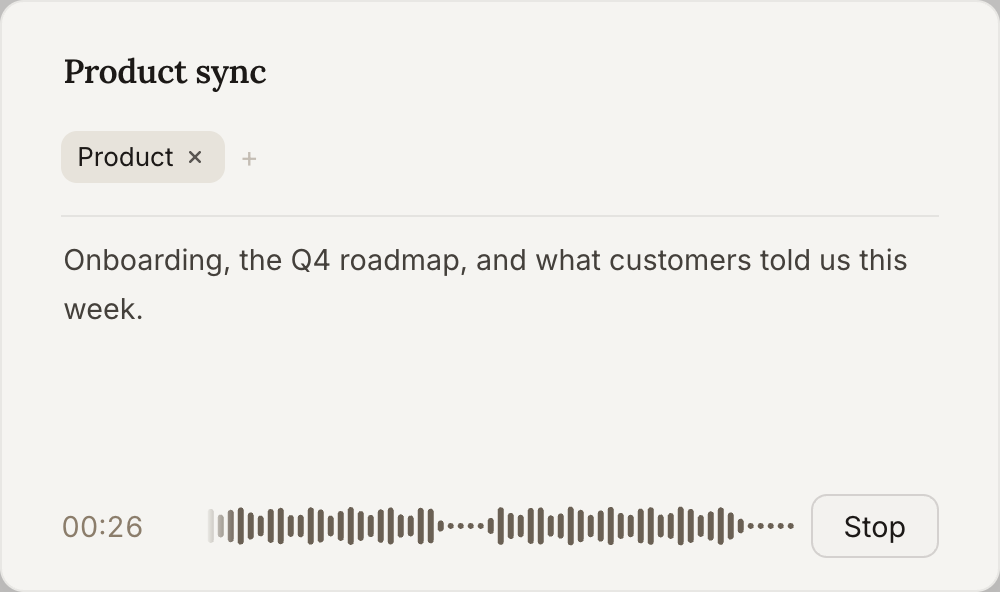
The Amaldi recording dialog for the Product sync meeting, showing that a recording is in progress.

How it works.

  • Private by design.Notes are stored locally on your computer or in your enterprise cloud of choice.

  • Record anywhere.Record from Teams, Zoom, or any other channel. No setup or meeting bot needed.

  • Built for agents.Connect your AI agent to your notes. Amaldi acts proactively and improves over time.

  1. Capture

    Capture what matters.

    Focus on what's important and let Amaldi capture the details. Start anywhere, record anything. Hybrid, remote, or in-person meetings.

    The Amaldi recording dialog for the Product sync meeting, showing that a recording is in progress.
  2. Organize

    Organize for actionability.

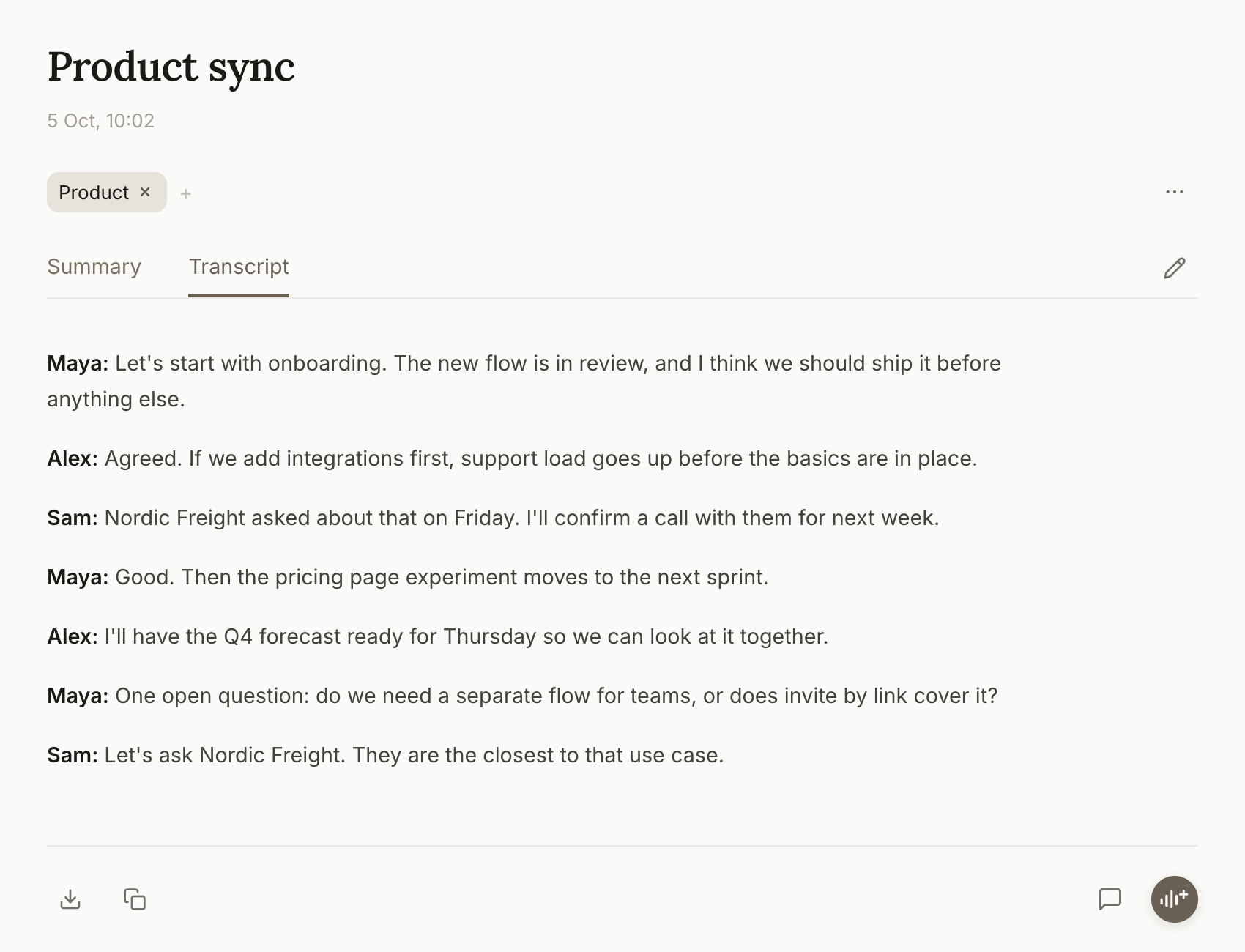
    Amaldi identifies speakers, produces actionable summaries, and outlines the next steps.

    A meeting note in Amaldi called Product sync, with a short summary, two decisions and a checklist of next steps with owners.
  3. Distill

    Edit and refine.

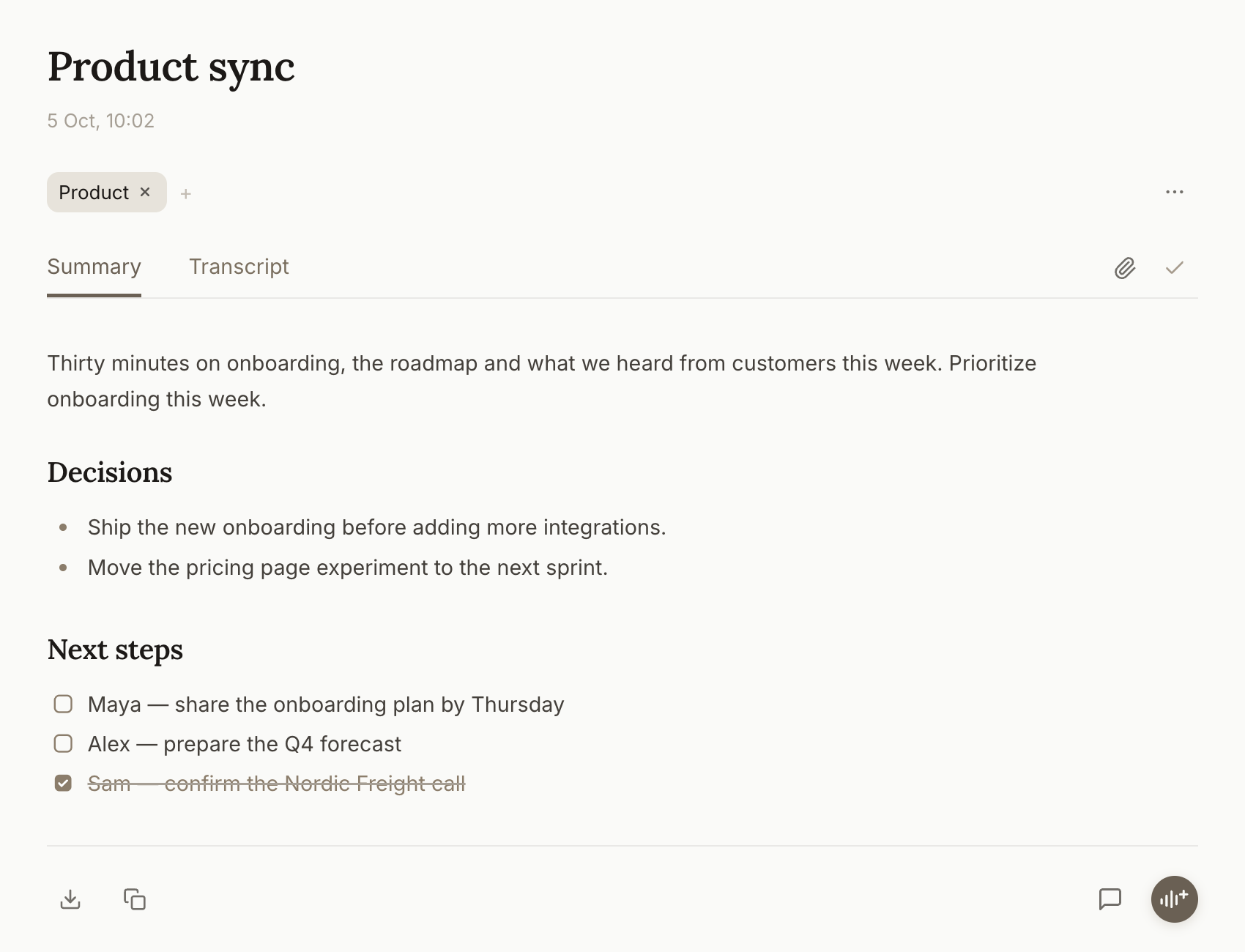
    Write, add comments, or highlight what's important. All your edits are stored locally on your computer.

    Editing Product sync to add: Prioritize onboarding this week.
  4. Execute

    Get to work.

    Prioritize, schedule, and get things done. Action points from your notes are gathered in one place.

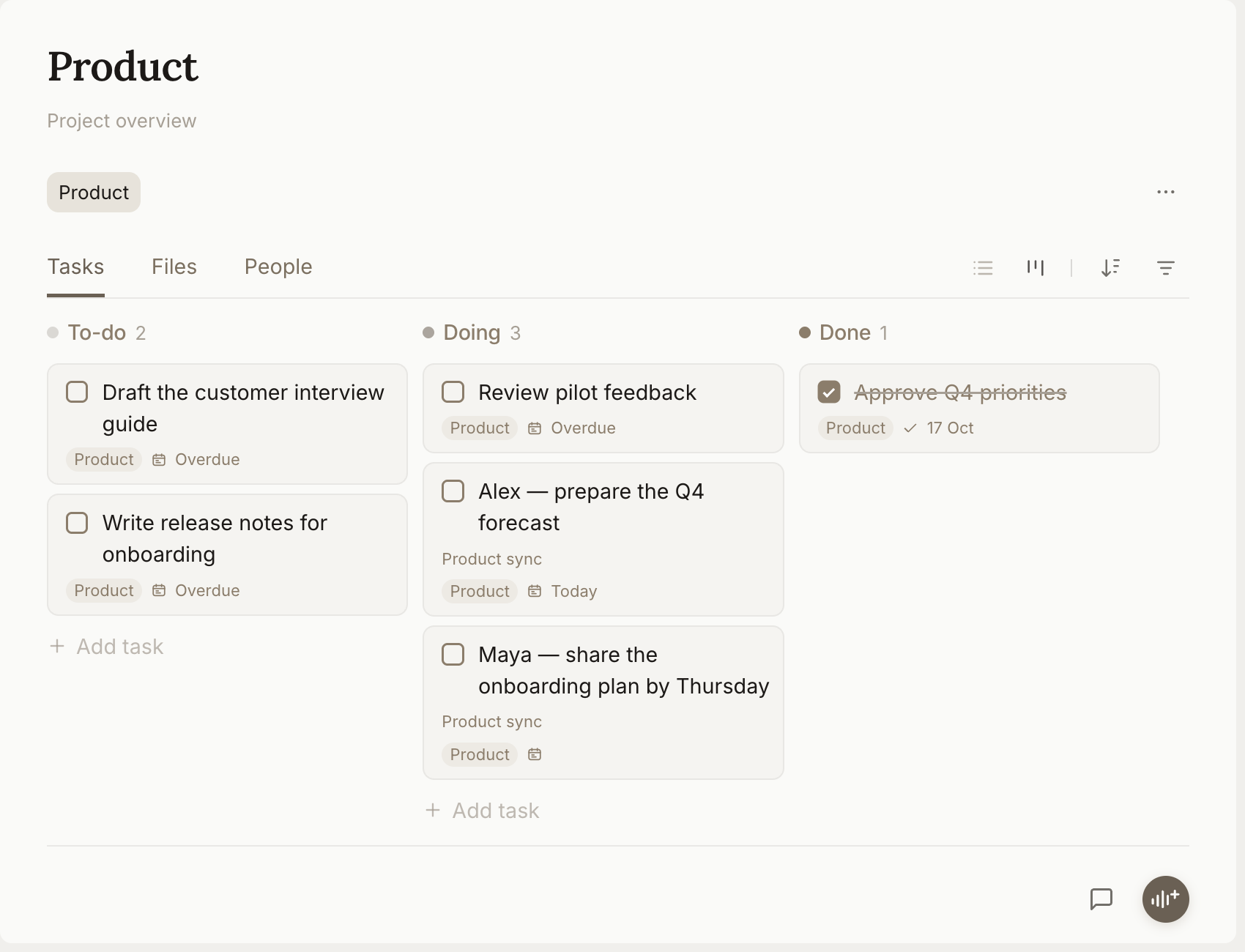
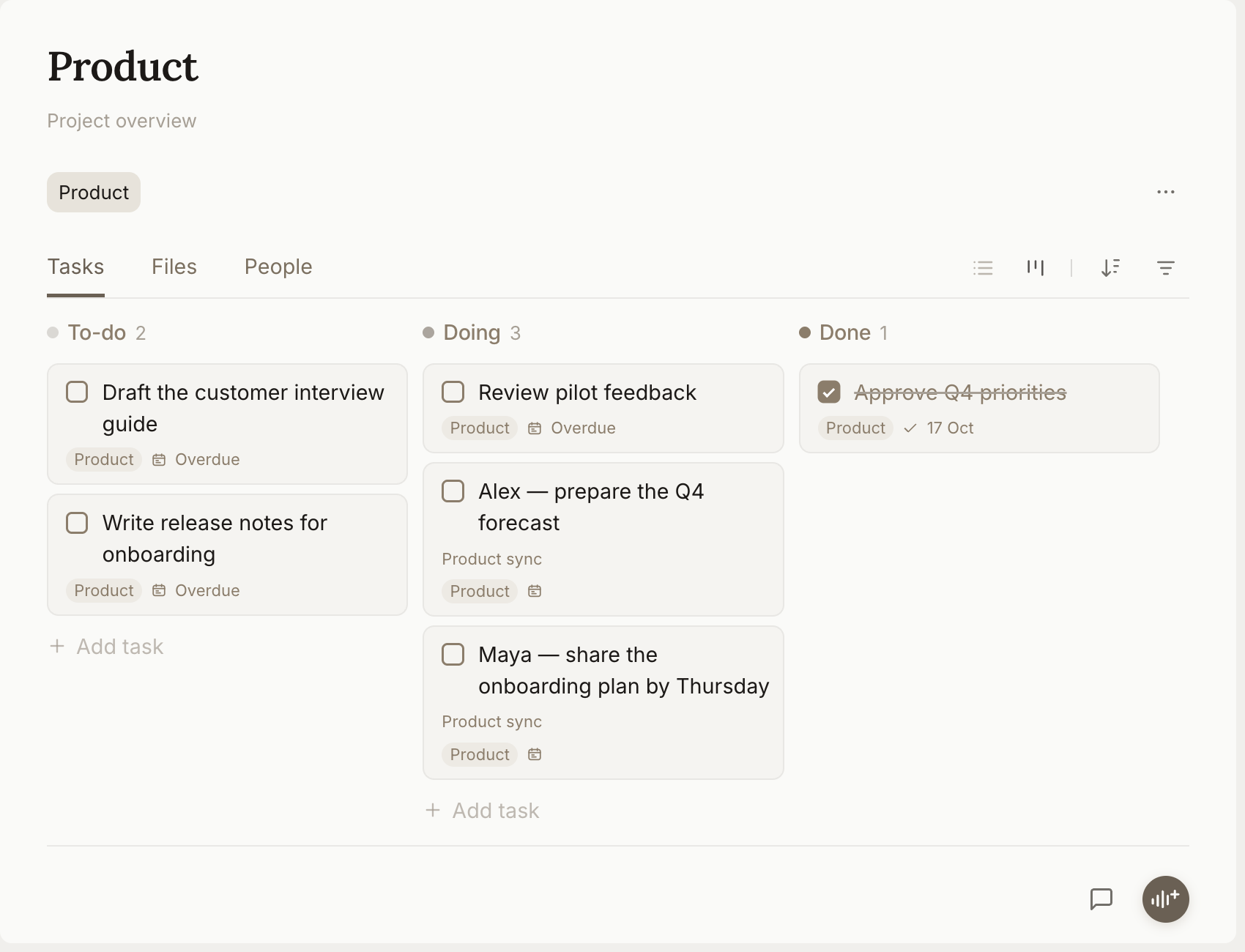
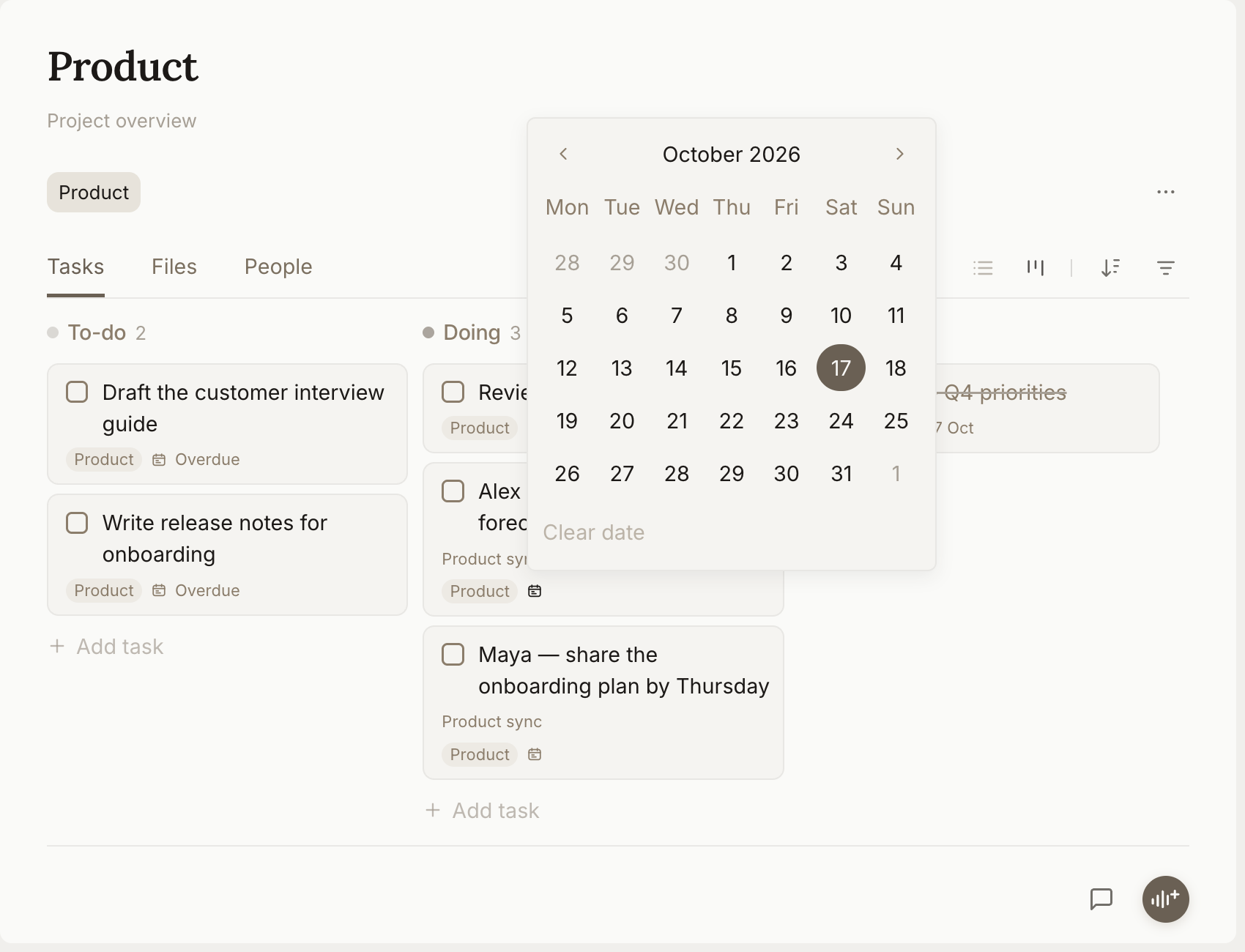
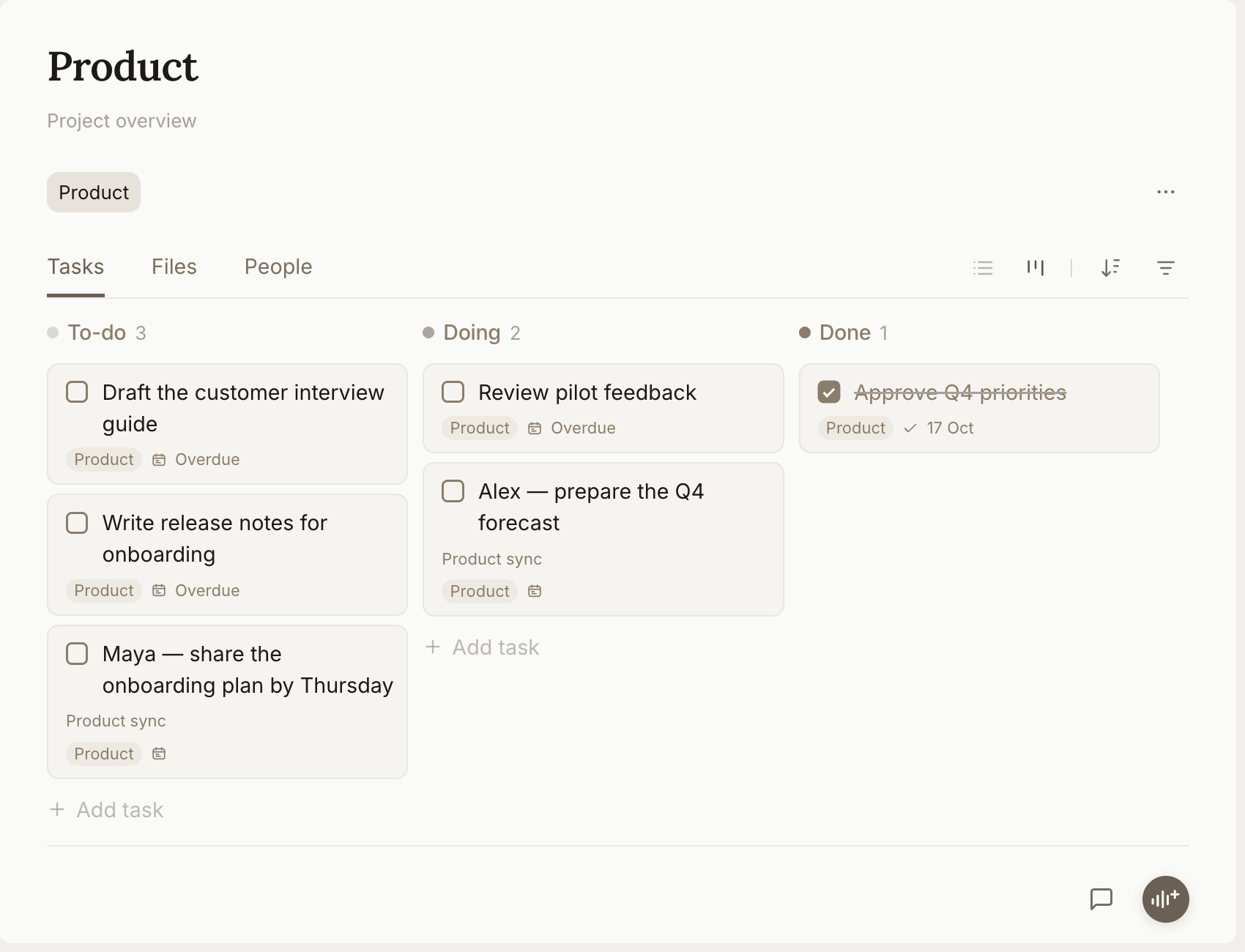
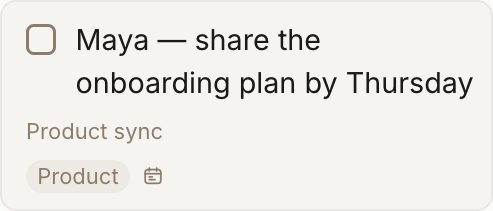
    The Product project board in Amaldi with To-do, Doing and Done columns. Alex’s Q4 forecast is due Today. Tasks link back to the meeting note.
  5. Agent

    Ask for help.

    Your Amaldi agent takes action alongside you. It proactively gets better as it learns your preferences, context, and priorities.

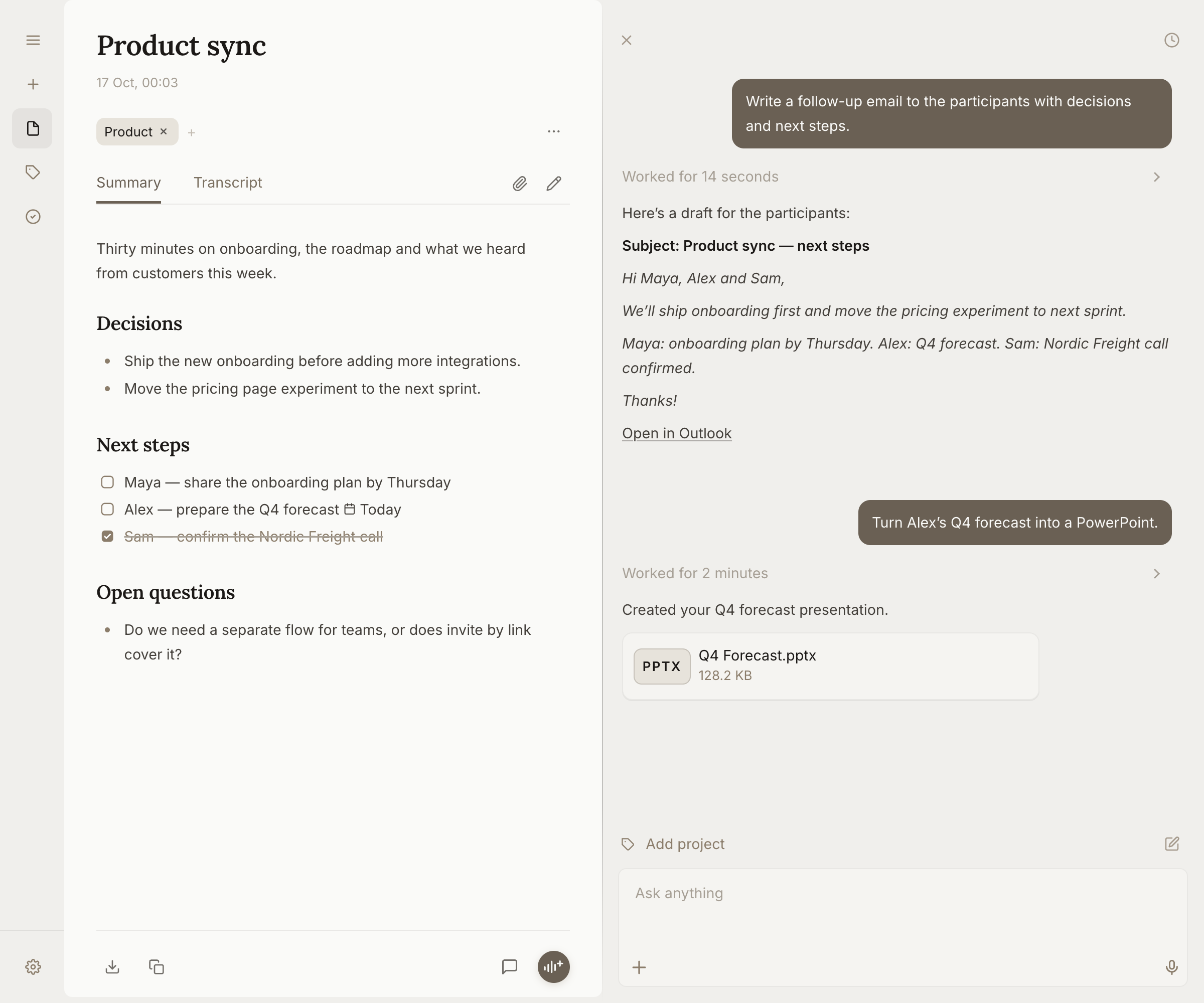
    The Amaldi agent beside the Product sync note, drafting a follow-up email with decisions and next steps, then turning Alex’s Q4 forecast into a PowerPoint presentation.
  6. Knowledge

    Connect and grow.

    Link key details, add reference files, and build your personal knowledge base over time.

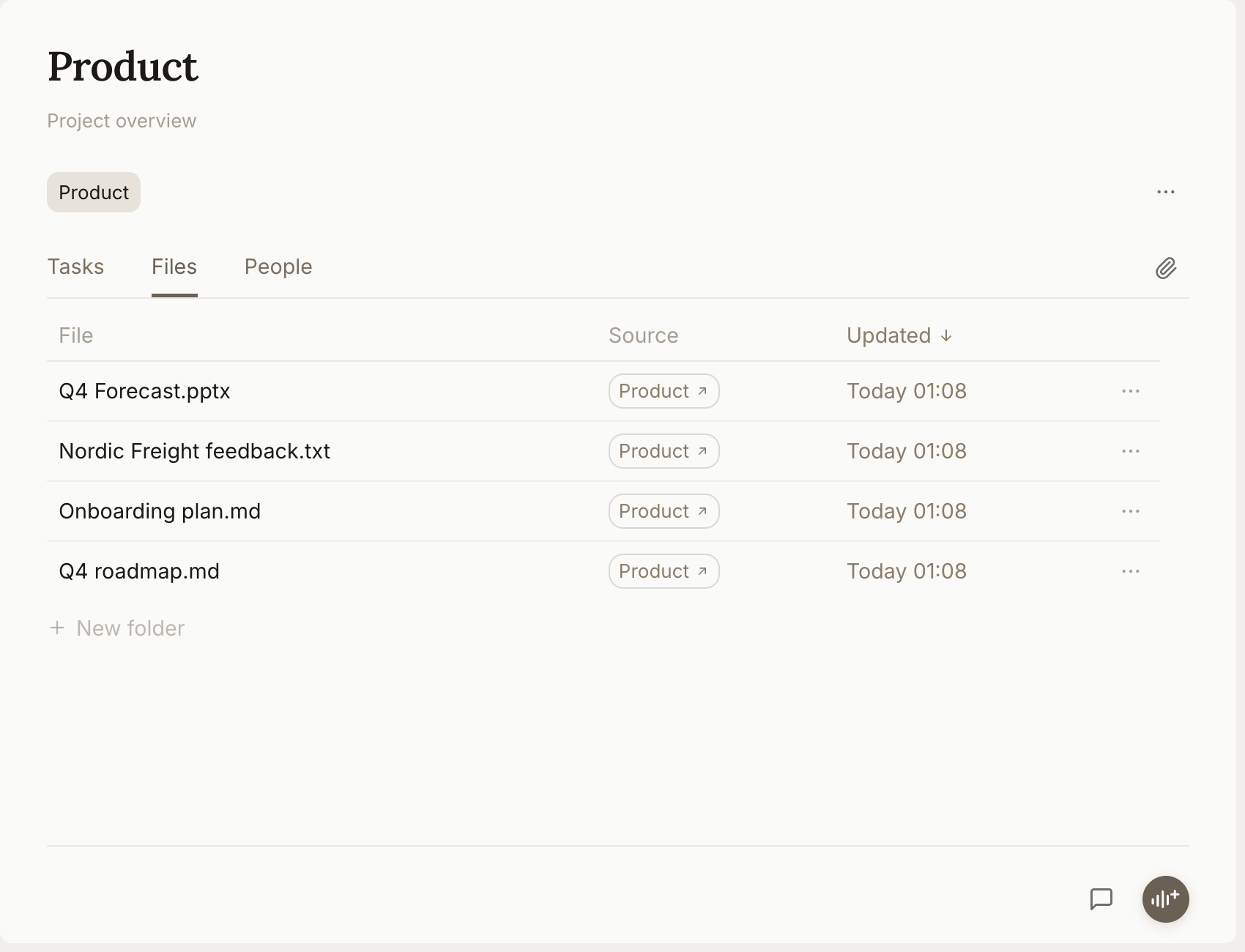
    The Product project with Q4 Forecast.pptx alongside its onboarding plan, roadmap, and customer feedback.
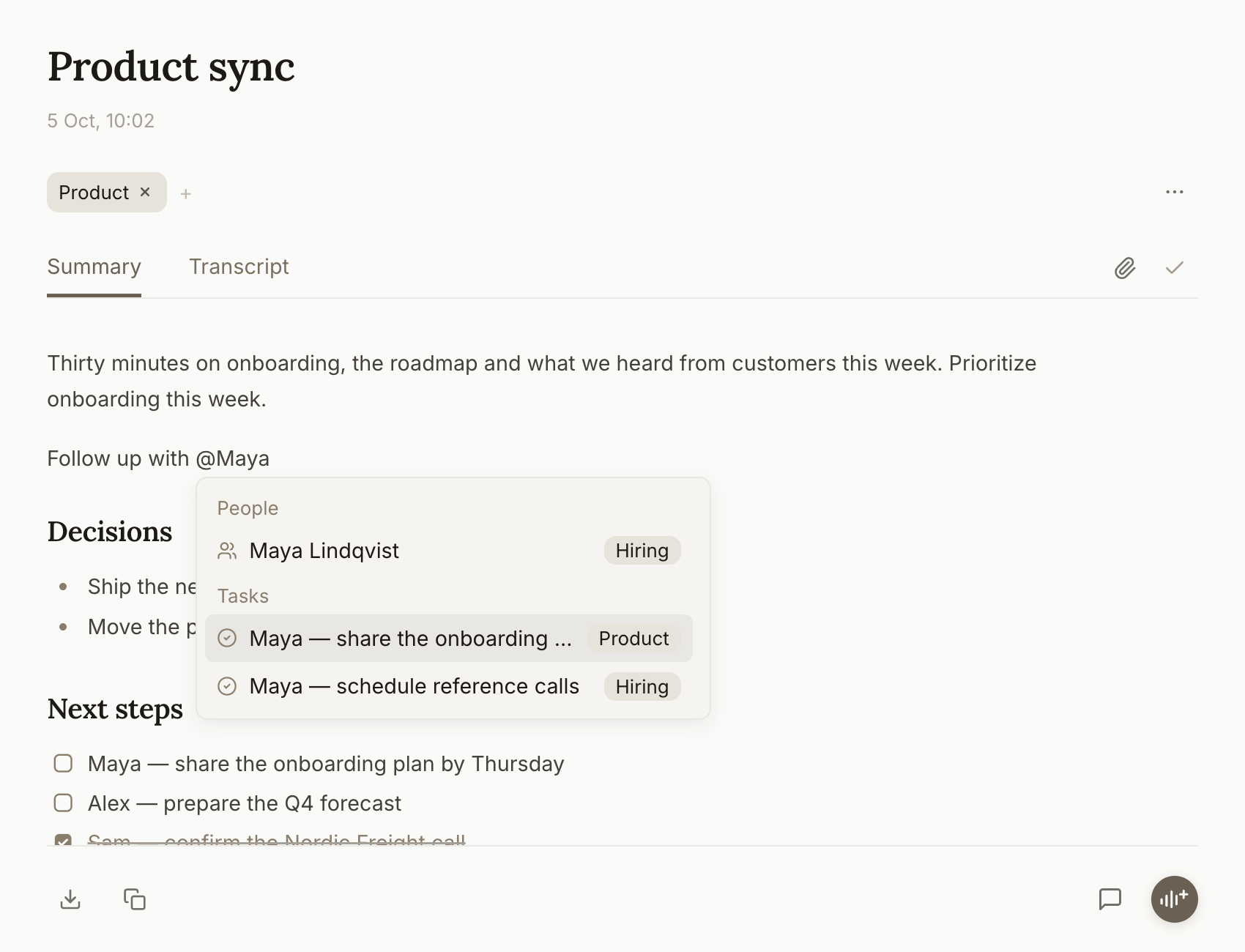
    Typing @Q4 Forecast opens the file picker. Selecting Q4 Forecast.pptx inserts a linked file mention into the note.

Privacy

Notes, recordings and project files are stored on your computer. Amaldi keeps no cloud copy of your note library, chats, or recordings. Your notes remain accessible without a paid plan.

AI requests may be processed in the cloud, under the provider’s data retention policy.

Data collection

Amaldi stores account details, AI usage records and billing information to support sign-in, usage limits and payments. Stripe processes payments.

For questions about your data, please reach out to hello@amaldi.ai.

Security

Sign-in sessions saved on your device are encrypted using your operating system’s secure storage. Connections to Amaldi’s hosted service are encrypted in transit.

Local files use the permissions and disk encryption you enable on your computer.